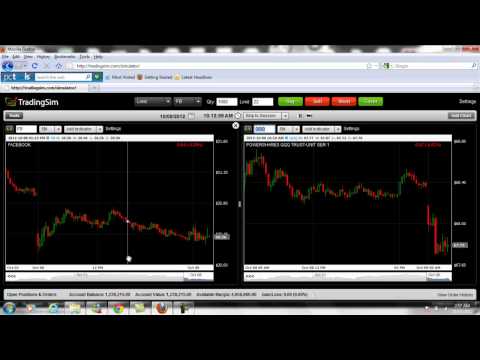
How to Add a Chart

Oct 13, 2012

Written by:
Al Hill

Video shows how to add an additional chart to the desktop for the purposes of monitoring open positions, tracking potential opportunities and comparing stocks to other equities and/or ETFs.

Tags:

How to Change the Background Color

Video shows how to toggle between background colors for the charting application. Watch this video on YouTube

How to Use the Zoom and Slider Features

Video that shows how to use the zoom and slider feature. Watch this video on YouTube

How to Add and Remove Window Panes

Video that shows the three window panes within the Tradingsim Platform which you can expand and collapse. The three panes are (1) Tools, (2) Level 1, Time & Sales, and (3) Open Positions and Orders....